

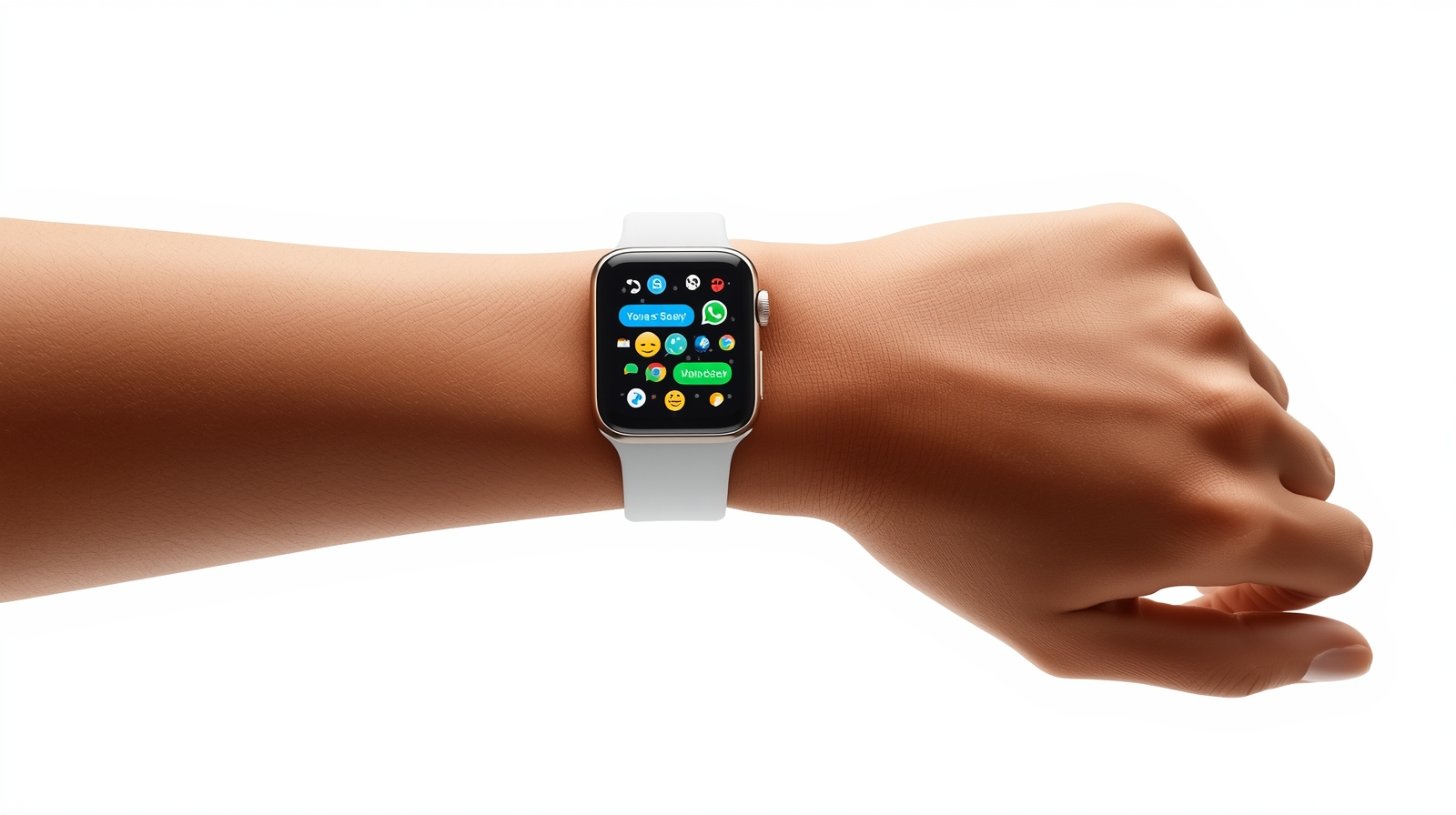
WhatsApp releases its official Apple Watch application! Send text, voice and emoji responses right off your wrist. Full review, features & setup.
🕒 Introduction
WhatsApp on Apple Watch has finally added your favorite conversations and chats calls and voice messages to your wrist – no iPhone required!. According to The Economic Times, WhatsApp has officially launched its standalone Apple Watch app.
WhatsApp has at last released its official Apple Watch application, allowing users to chat, react and send voice notes directly on their wrist after years of requests.I picked it up in my Apple Watch Series 8 and tested it a day long – here is all you need to know before updating.
💬 Why It Matters
Apple Watch owners were able to read short WhatsApp notifications only or use third party tools only a few years ago. And now, Meta has provided a native experience that is quick, safe and shockingly entertaining. You can now be connected even when you are jogging, or commuting to work or even in a meeting without touching your iPhone.
⚙️ Key WhatsApp Apple Watch Specifications
| Feature | Details |
|---|---|
| App Name | WhatsApp for Apple Watch |
| Compatibility | Apple Watch Series 4 and later |
| Minimum OS | watchOS 10 or newer |
| Connection | Paired iPhone + Active Internet |
| Main Functions | Read/write messages, voice notes, emoji reactions, view media, call notifications |
| Security | End-to-end encryption |
| Availability | Global rollout from Nov 4 2025 |
| Developer | Meta Platforms Inc. |
🔍Hands-On Experience
The installation is smooth. After you update your iPhone with the recent version of WhatsApp, the Apple Watch app will automatically be shown in the Watch App list. The first time it is opened will synchronize your most recent chats virtually in real-time.
The smaller screen is used to display messages in the larger fonts that are viewed as crisp. Browsing conversations is not strange – even lengthy messages are fully shown, without being shortened.
🗣 Messaging & Voice Features
It is not that easy to type on a smartwatch, yet WhatsApp offers you several choices:
- Quick Replies: Select between phrases that have been suggested such as okay or thanks.
- Dictation: Siri can be used to dictate a message; the recognition is correct and quick.
- Scribble Mode: One letter at a time — useful in short words.
- Voice Messages: Tap and record; the voice is good.
Voice messages appeared to me during testing the most useful features they are natural during the short replies and time-saving in comparison with typing on a small screen.
😍 Reactions and Emojis
Emoji reactions are one of the most pleasant features. As you type a message, just swipe and tap an emoji – ❤️ 👍 laughing – laughing – People crying – crying angry – angry – Current – cheeks on the cheek – Everything at a Glance – showing up on the wrist. It is ideal when it comes to sending short messages without having to open your phone.
🖼 Viewing Media
WhatsApp has enhanced the appearance of images and stickers presented on Apple Watch. They are detailed and even lighter than ever. Zooming is unavailable and media cannot be downloaded but in a small display, the images are amazing.
📞 Call Notifications
The incoming WhatsApp calls are now displayed on your watch with the name and profile picture of the caller. You have the option of saying no or yes, depending on whether your watch is cellular enabled or Wi-Fi. The quality of sound is conditional upon the strength of a network but is effective in most instances.
🔐 Privacy & Encryption
Meta ensured that messages, voice notes, and calls are end-to-end encrypted, which is the case with iPhone or Android. And nothing will be different on the side of your safety, that your data are secret, and can be viewed only by yourself and those with whom you are acquainted.
🧩 Limitations I Noticed
Although the initial release is decent, some of the features still lack:
- ❌ No full-body search – you can respond to already existing chats only.
- ❌ No photo or video sending yet.
- 🚀 Sometimes the notifications are coming slower than the iPhone.
Meta claims that upcoming developments will add more media sharing and performance enhancements.
🔁 Battery & Performance
The application is lightweight; the battery consumption is less. My Apple Watch Series 8 lost only 10-12 percent (as opposed to its typical percentage) after a single day of intense chatting and several voice notes. That is alright to the majority of users.
How to Install WhatsApp in Apple Watch
- Install the most recent update (Nov 2025 build) of WhatsApp on your iPhone.
- Upgrade Watch OS to version 10 or more.
- Open Watch App › Available Apps › Install WhatsApp.
- When installed, open WhatsApp on your watch and it is automatically synced with chats.
That is all, no need of QR codes or additional logins.
🧠 Pro Tips
Voice reply feature is used to deliver hands-free messaging.
Pin whatsapp on your watch face so that you can access it immediately.
Turn on notifications preview in settings so that you can read messages even when the app is not open.
🌍 What Users Are Saying
Users of the early Apple Watches are amazed. Most of them emphasize the fact that the app is polished and reliable even the first day. According to some reviewers, it is smoother than the watch app of Telegram and is particularly better to use in quick voice replies.
🔮 Future Updates
As hinted by Meta in the future:
- Search of contacts and chat development.
- Full image sharing
- Status viewing
- Improved sticker display
- Custom reply templates
Provided that they come soon, WhatsApp may become one of the most fully-fledged smartwatch messaging applications.
💭 Final Verdict
Having spent one day testing WhatsApp on Apple Watch, I could say that this application is worth the wait. It is fast, safe and lastly, it fills the distance between your wrist and your Whats App world. Although it is not a replacement phone as such, it is ideal when you are making quick replies, voice messages, and call notifications.
⭐ Rating: 4.5 / 5
🏁 Conclusion
The new WhatsApp Apple Watch application will be a giant leap in wearable communication. When you have an Apple Watch Series 4 and above, update it now and feel what it is like to have seamless messaging on your wrist.
Also check my website GSV TechZone for more Tech posts .
[…] Also read my other smartwatch post : WhatsApp Finally Arrives on Apple Watch […]